Bricks Jewel
Instructions:
Slide the block shapes into the grid and create rows or columns to remove them After 10 successful moves your undo feature charges upDescription
Bricks Jewel Browser Game Analysis
Standout Features
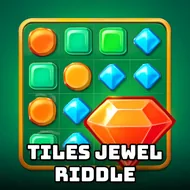
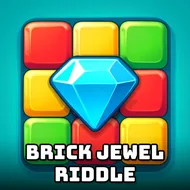
There's something oddly satisfying about watching a gem-covered grid snap clean, and that's basically the whole pitch here. You're dragging classic block shapes onto a grid, trying to fill up rows or columns before the board chokes up on you, and the jewel skin makes even a basic square feel like loot. No timers screaming at you, no lives ticking away, just a slow-burn puzzle that quietly asks you to think two or three moves ahead. The sprite work leans colorful without turning gaudy, and swapping between the different jewel skins gives the whole thing a reason to keep coming back even after you've already memorized the shape set. It's built on that old Tetris-adjacent bone structure, sure, but reworking it into a gem-matching format gives it its own texture.
What actually keeps you playing, though, is the tension between greed and caution. Do you cram a big piece into a tight gap now, or hold off and wait for something cleaner? That gamble is the whole game, honestly. Miscalculate twice in a row and suddenly half your board is cluttered with orphaned jewels nobody wants, and there's no undo button waiting to save you every single time. Speaking of which, the undo mechanic only charges up after ten clean moves, so it rewards patience rather than letting you spam your way out of every mistake. It's a small design choice, but it changes how you approach the whole session.
- Slide block shapes freely across the grid to line up matches.
- Clear full rows or full columns to wipe pieces off the board.
- Bank ten successful placements in a row to unlock one undo.
- Switch between multiple jewel skins for a different visual flavor.
- Chase an endless run structure aimed at beating your own high score.
- Learn the shapes fast, but keep sharpening your placement instincts over time.